Version 1.3.1: Pro on inquiry
- Pro is now offered on inquiry: email your Device ID and we explain how to get a key. The website, terms and the in-app "Request Pro by email" message were updated to match.
Version 1.3.0: choose the video codec
- Video Converter now lets you pick the video codec (H.264, H.265, VP9, VP8, AV1, MPEG-4, ProRes, Motion JPEG) and the sound (AAC, MP3, Opus, Vorbis, FLAC, AC-3, WAV or none). The list only shows what the chosen file type can hold.
- Keep original copies the picture or sound without re-encoding, so MKV to MP4 takes seconds with no quality loss.
- You can convert a file to the same type with a different codec, for example MP4 (H.264) to MP4 (H.265).
- New quality, speed, size (never enlarged), frame rate, NVIDIA and remove-personal-info options. AV1 and ProRes need Pro; everything else is free.
Version 1.2.0: PDF header and footer preview
- The PDF Toolkit header and footer now has a live preview of your own PDF, so you see the result before pressing Start.
- A new Distance from the page edge slider moves the header or footer closer to the edge, away from your content.
- Make room shrinks each page slightly so the header or footer sits in empty space and covers nothing.
Version 1.1.1: new-version notice
- The app now tells you when a newer version is out, with a Download button. It makes one small request to GitHub at start-up (no files or personal details are sent), stays quiet when you are offline, and can be switched off in About & licenses.
Version 1.1.0: PDF header and footer
- PDF Toolkit can now add a header or footer to every page: text on the left, middle and right, your logo, page numbers such as "Page 3 of 10", today's date, text size and colour, and an option to skip a cover page. Names with accents print correctly.
Version 1.0.0: first release
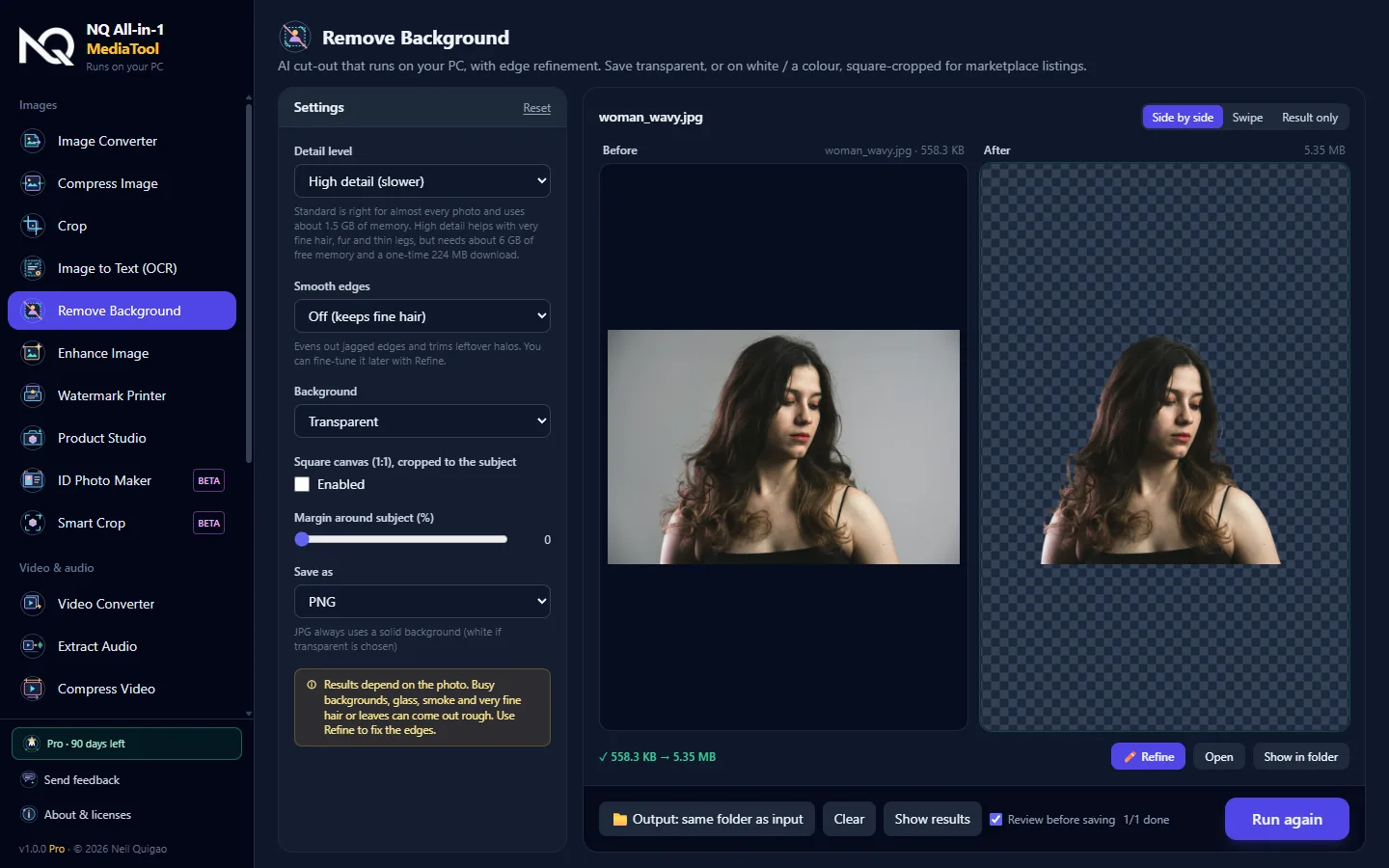
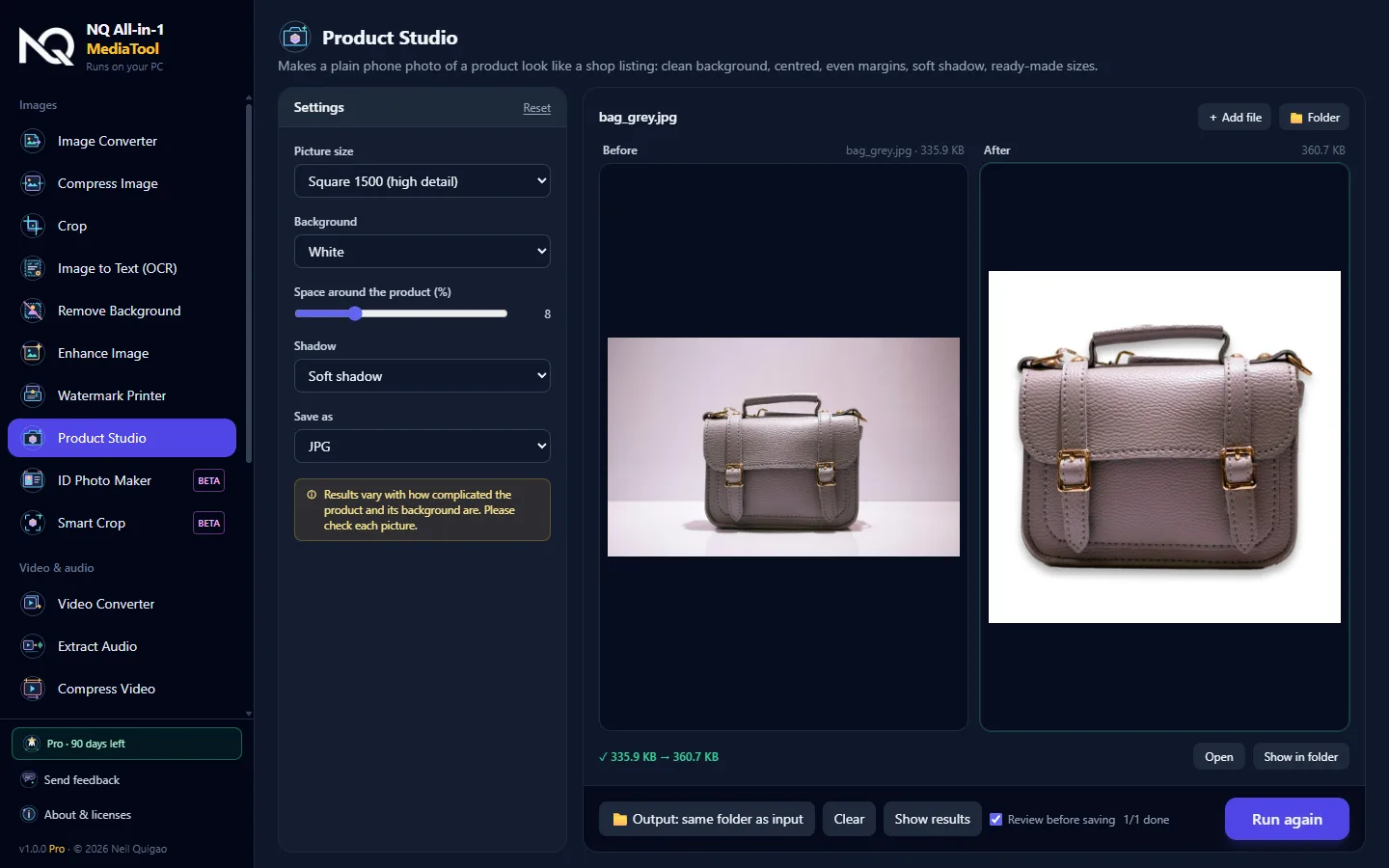
- 22 tools in three groups: Images, Video & audio, Documents. 11 are free, 11 need a Pro key.
- Remove Background with a sharp outline, a Refine brush and an automatic switch to High detail on busy group photos.
- Review before saving: every result is a preview with Save and Retry, so your folder is not flooded.
- Starts on the right settings for your PC. Strong PCs begin on High detail, weaker ones on lighter settings.
- Smarter converters: a file already in the chosen format (MP4 to MP4) is left alone.
- New Extract Audio and batch mode everywhere: add a whole folder at once.
Free and Pro
Free needs no account: Remove Background up to 10 a day, Speech to Text up to 2 minutes per clip. Pro unlocks everything with one key per PC, and Pro is available on inquiry. How to get Pro
Beta tools
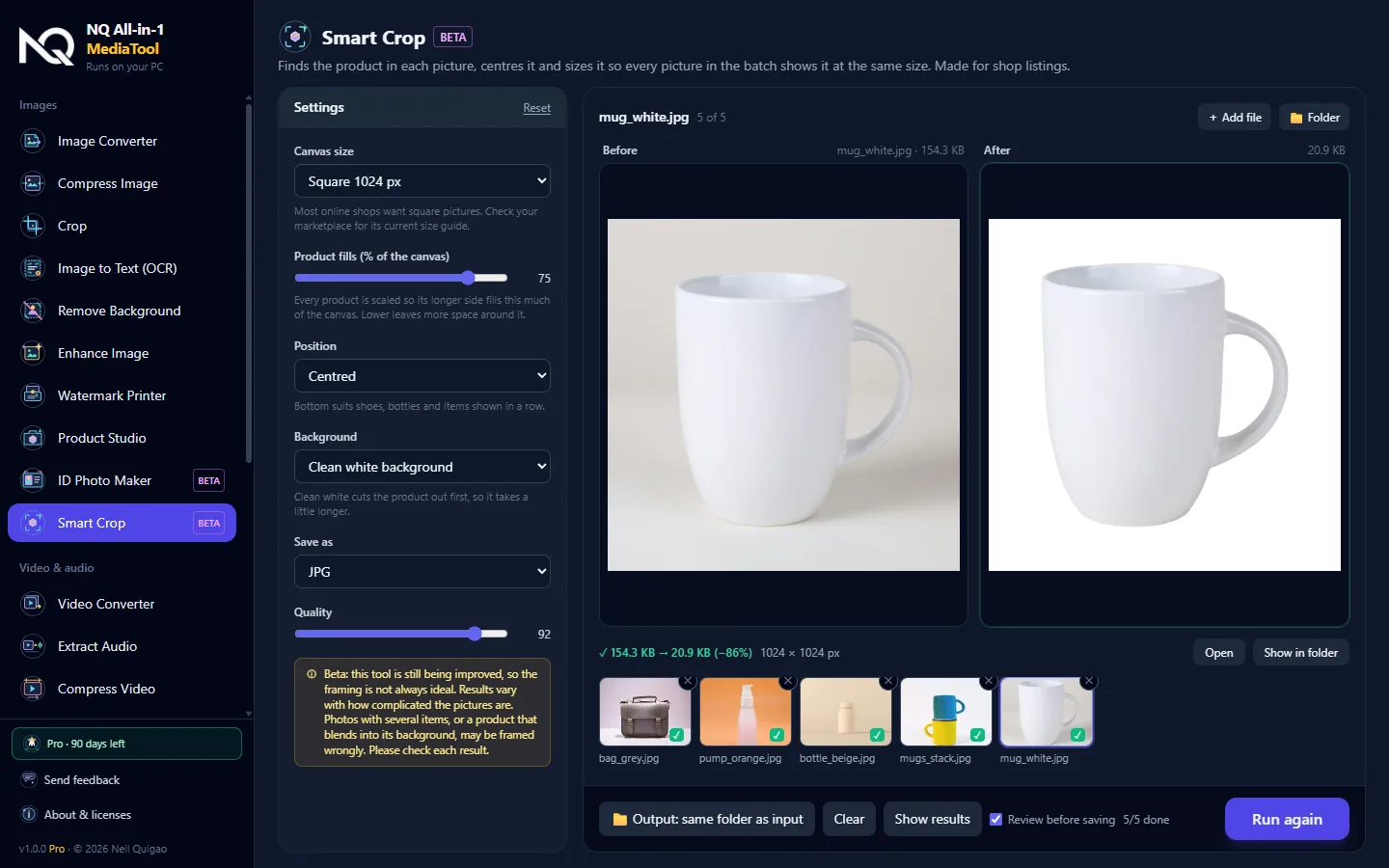
ID Photo Maker and Smart Crop are marked BETA. They work, but results are not always ideal yet, so check each one.
If Windows shows a warning
The app is not code-signed yet, so Windows may say "Windows protected your PC". Click More info, then Run anyway. The app unpacks itself on every start, so wait for the launch screen.
To check the genuine file, compare its SHA-256 (PowerShell: Get-FileHash):
SHA-256 is published with each release.
Known limits and feedback: see the README, click Send feedback in the app, or email kneelq@gmail.com.